

A single incorrect client record can trigger a chain of problems across a law firm. An outdated address might appear on an invoice, a duplicate matter could confuse billing, or an overlooked intake update could delay an important deadline.
Understanding how to sync law firm client data between apps helps legal teams prevent these problems while reducing repetitive administrative work.
The solution involves more than connecting software. Firms need reliable information-sharing rules, secure integrations, and a clear understanding of which application controls each record.
Three Ways to Connect Law Firm Applications
Different integration methods suit different firm sizes, software environments, and technical requirements.
1. Native Integrations for Straightforward Connections
Native integrations are connections developed or officially supported by software providers.
Platforms such as Clio and MyCase offer integration ecosystems that allow compatible applications to exchange information.
A firm might connect its intake platform with practice management software so approved client details transfer automatically.
For firms looking to reduce manual data entry at the beginning of the client relationship, automating law firm client onboarding can streamline intake forms, client record creation, document collection, and the transfer of approved information into practice management systems.
These integrations generally require less custom development and can be easier to maintain.
However, compatibility does not guarantee complete synchronization. Some connections transfer contacts but exclude matter details, historical records, or custom fields.
Always examine exactly what information moves between applications.
2. Automation Platforms for Flexible Workflows
Middleware platforms such as Zapier and integration-platform-as-a-service (iPaaS) tools connect applications that lack direct integrations.
They operate through triggers and actions.
For example, submitting an approved intake form might trigger a workflow that creates a client record, opens a matter folder, and notifies the assigned attorney.
Automation platforms are useful when firms need customized workflows without building every connection from scratch.
Their limitations include subscription costs, API restrictions, task limits, and potential synchronization failures.
3. Centralized Data Hubs for Larger Firms
Organizations operating numerous applications may benefit from centralized integration architecture.
A platform such as Salesforce or a custom integration hub can coordinate client information across connected systems.
Instead of maintaining multiple independent connections, applications exchange approved information through a controlled integration layer.
This arrangement can simplify monitoring and data governance.
However, a centralized hub should not automatically replace every application as the authoritative database. Matter management, billing, and document platforms may need separate ownership of specialized records.
Build a Reliable Client Data Synchronization Process
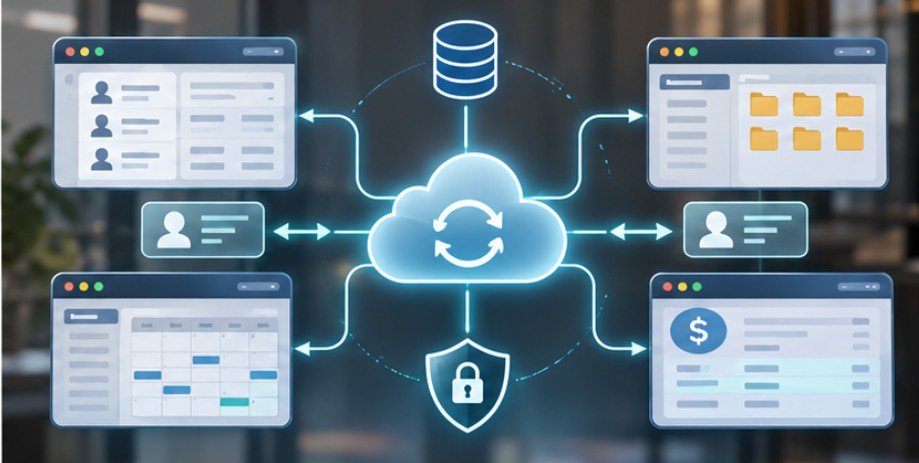
Successful integration begins with understanding where information originates and how it should change.
Step 1: Identify Every Application Handling Client Information
Start by documenting the firm’s CRM, case management platform, document repository, billing software, and communication tools.
Record which applications create, modify, or store client information.
The NIST Cybersecurity Framework 2.0 emphasizes identifying assets, governing cybersecurity risks, and continuously protecting and monitoring systems. This inventory helps firms identify unnecessary connections and potential security weaknesses.
Step 2: Establish a Source of Truth
Choose an authoritative application for each major information category. For example, the CRM might control prospective-client contact information, while practice management software governs active matter records.
Accounting software may remain authoritative for invoices and payment transactions. These decisions prevent two applications from repeatedly overwriting each other’s updates.
A unique client identifier should connect related records, even when names, addresses, or contact details change.
Once client records are consistently maintained across connected applications, firms can use law firm past client reactivation automation to identify former clients, organize historical contact information, and trigger relevant follow-up workflows without relying on manual record searches.
Step 3: Map Fields Before Connecting Systems
Applications frequently organize information differently.
One platform might store a client’s complete name in one field, while another separates first and last names.
Similarly, different systems may use incompatible matter statuses or date formats.
Create a mapping document that defines corresponding fields, permitted values, and transformation rules.
For instance, an intake status labeled “Retained” might need conversion to “Active Client” in another application.
Without accurate mapping, apparently successful integrations can produce misleading records.
Step 4: Choose Synchronization Direction and Frequency
Not every application needs two-way synchronization.
One-way synchronization works well when information flows from an authoritative source into another system.
Two-way synchronization supports updates from multiple applications but introduces conflicts when both records change.
Real-time syncing is appropriate for time-sensitive operational information. Scheduled updates may be sufficient for reporting dashboards or historical analytics.
Choose frequency based on actual business requirements rather than assuming faster is always better.
Step 5: Test Before Launching
Use fictional client records in an isolated testing environment.
Check whether creating, updating, merging, and archiving records produces the expected results.
Test duplicate names, missing fields, failed connections, and simultaneous changes.
Verify that archived matters cannot accidentally become active again through an outdated synchronization event.
Only expand the integration after the test results are consistent.
Protect Confidential Information During Transfers
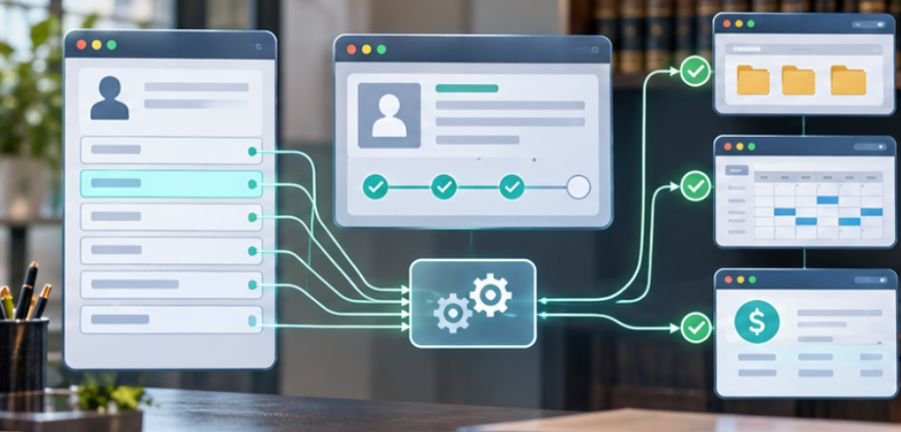
Security deserves special attention because synchronized information may pass through several software providers.
The OWASP API Security Project identifies broken authorization and authentication among major API security risks.
These weaknesses can expose information even when the underlying applications appear secure.
Firms should use encrypted connections, limited API permissions, secure token storage, and detailed audit logs.
The Cybersecurity and Infrastructure Security Agency also recommends multifactor authentication, strong passwords, and prompt software updates as foundational safeguards. Access restrictions should extend to middleware vendors and connected service accounts.
To strengthen these safeguards, firms should understand how to secure law firm software integrations, including the use of least-privilege permissions, encrypted API connections, vendor security assessments, and continuous access monitoring.
Additionally, attorney-client privilege requires careful treatment. Cornell Law School’s Legal Information Institute explains that confidential legal communications receive specific protections, subject to applicable exceptions.
Before transferring sensitive documents, verify vendor access policies, contractual protections, data retention practices, and applicable state requirements.
How to Detect Synchronization Problems Early
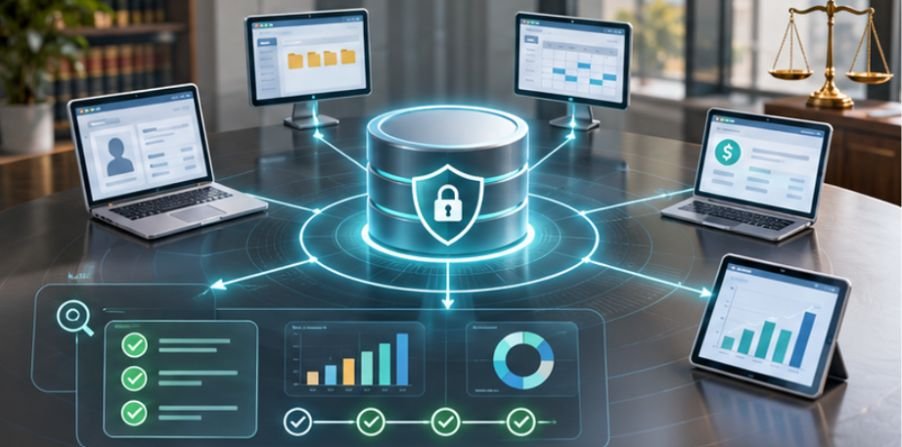
Even properly configured integrations can fail when software providers change APIs or permissions expire.
A simple operational checklist helps identify problems before they affect clients.
- Compare record counts between connected applications.
- Monitor failed API requests and authentication errors.
- Review duplicate contacts and mismatched matter identifiers.
- Check whether updates reach their destinations within the expected period.
- Reconcile invoices and payments against authoritative accounting records.
- Test recovery procedures after deliberately interrupted transfers.
Consider a practical example.
A firm creates 120 approved client records during a month, but only 117 arrive in its practice management system.
The synchronization completion rate is:
\[ \frac{117}{120}\times100=97.5\% \]
Although 97.5% may appear satisfactory, three missing records could represent serious operational failures.
Track exceptions individually rather than relying exclusively on aggregate success rates.
Common Integration Mistakes Worth Avoiding
The most damaging mistake is treating synchronization as a one-time technical project.
Software changes, employee permissions evolve, and workflows become more complicated.
Another frequent problem involves automatically copying every available field. This creates unnecessary exposure and may transfer information that receiving applications do not need.
Firms should also avoid automatic deletion propagation without appropriate safeguards.
A deleted CRM contact should not necessarily erase historical billing records or documents subject to preservation requirements.
Finally, integrations should support human review when conflicts involve sensitive client information, financial transactions, or legal deadlines.
Frequently Asked Questions
1. What is the easiest way to sync law firm client data between apps?
Start with officially supported native integrations. If compatible connections are unavailable, consider a secure automation platform that supports field mapping, monitoring, and controlled access.
2. Can law firms synchronize client information automatically?
Yes. APIs, automation platforms, and centralized integration hubs can transfer approved information automatically between compatible applications.
3. Is two-way synchronization always better?
No. Two-way syncing increases flexibility but can create conflicting updates. One-way synchronization is often safer when one application clearly owns the information.
4. How often should legal client records synchronize?
Time-sensitive records may require immediate updates. Reporting and historical information can often synchronize periodically. Frequency should reflect operational needs, security considerations, and software capabilities.
The Real Value of Connected Legal Systems
Reliable client data synchronization is ultimately about confidence. Attorneys need to know that the information appearing in their applications is accurate, current, and appropriately protected.
The strongest approach begins with clearly assigned record ownership, carefully mapped fields, and integrations that support the firm’s actual workflows.
Technology alone cannot guarantee accuracy. Regular monitoring, security reviews, and documented recovery procedures remain essential.
Start with one high-value connection, measure its reliability, and expand gradually. A well-managed integration does more than eliminate repetitive typing. It gives legal professionals dependable information when their clients need it most.



2 thoughts on “How to Sync Law Firm Client Data Between Apps Without Errors”