Imagine someone accessing your security camera, controlling your smart lock, or using a connected appliance to infiltrate your home network. These risks make smart home cybersecurity increasingly important for American households.
I’ve found that understanding how to secure smart home devices from hackers starts with two priorities: protecting your Wi-Fi network and maintaining secure settings on every connected device.
Fortunately, you don’t need advanced cybersecurity knowledge to protect your home. From separating IoT devices to strengthening passwords, these nine smart home security tips can help reduce vulnerabilities while keeping your connected home convenient.
Can Hackers Really Access Your Smart Home Devices?
Yes. Cybercriminals can exploit weak passwords, outdated software, exposed network services, and vulnerable Internet of Things (IoT) devices.
Smart cameras, doorbells, thermostats, televisions, and voice assistants all communicate through networks or cloud services. Poor security can expose private information or allow unauthorized device control.
The Federal Trade Commission recommends securing both your router and individual connected devices to minimize these risks.
How to Protect Smart Home Devices From Hackers in 9 Steps
1. How Do You Separate Smart Devices From Your Main Wi-Fi Network?
One of the most effective IoT device security improvements is creating a separate network for connected appliances.
Open your router’s administration dashboard and look for a Guest Network or IoT Network option.
Connect smart televisions, speakers, cameras, and appliances to that network while keeping computers and phones containing sensitive information on your primary network.
This separation can help prevent attackers from moving between devices if one becomes compromised.
However, confirm that your router actually isolates network traffic. Some guest networks allow local communication, and certain smart home hubs require devices to discover one another.
I recommend checking your router manufacturer’s instructions before moving everything.
2. Which Router Settings Make Your Smart Home Wi-Fi More Secure?
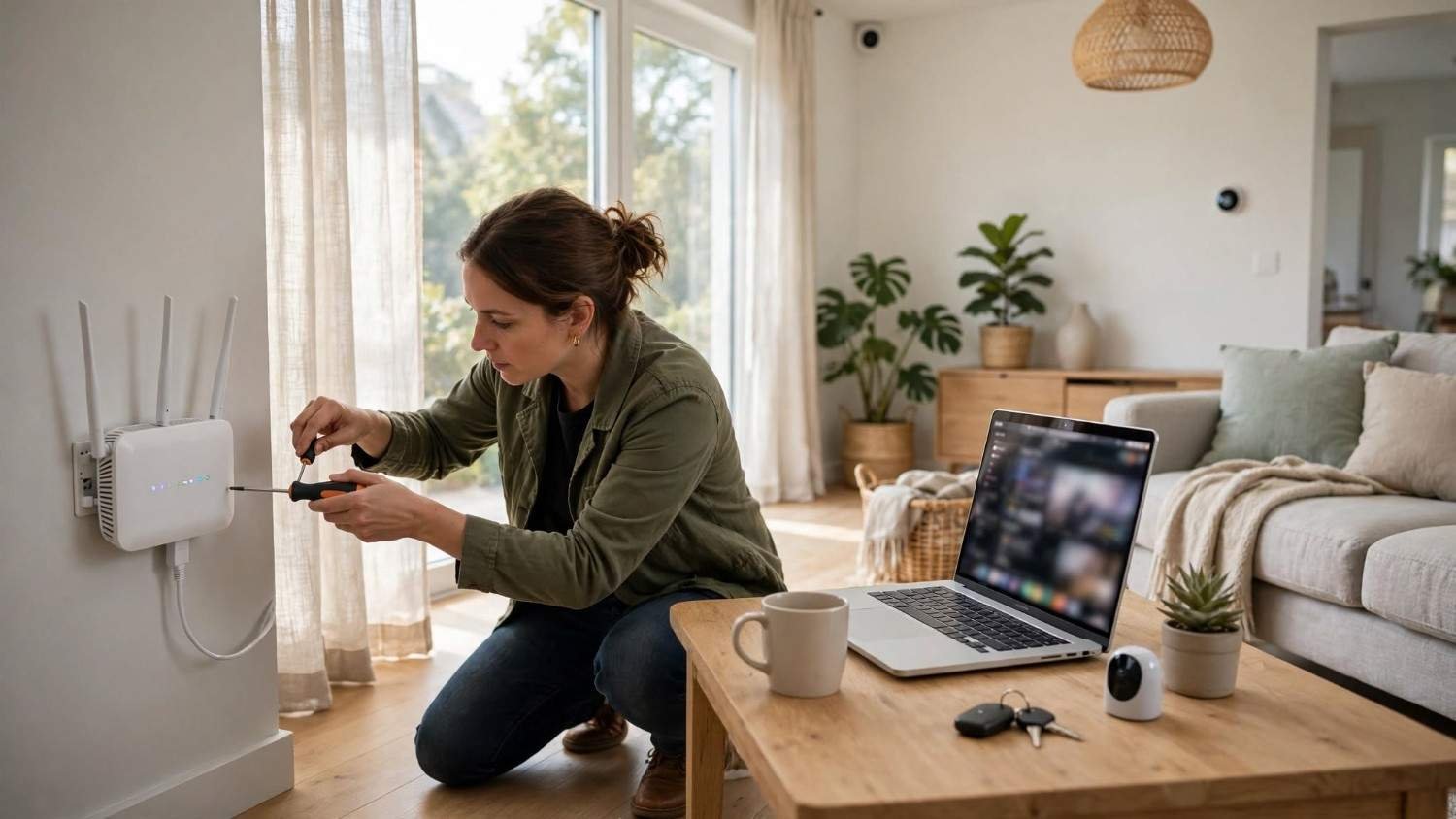
Your router acts as the gateway between your household devices and the internet.
Start by changing its default administrator credentials. Choose a strong password that differs from your Wi-Fi password.
Next, enable WPA3-Personal encryption or WPA2-Personal with AES if WPA3 is unavailable. Avoid outdated WEP and WPA protocols.
Rename your network’s SSID so it doesn’t reveal your name, address, or router model. This protects identifying details, although changing the SSID alone doesn’t prevent hacking.
Enable your router’s firewall and install available firmware updates.
I also recommend disabling unnecessary remote administration, Wi-Fi Protected Setup (WPS), and Universal Plug and Play (UPnP), where doing so won’t disrupt essential functionality.
3. Why Should Every Smart Home Device Have a Unique Password?
Many devices arrive with default credentials or rely on accounts that users protect with reused passwords.
Attackers may exploit predictable credentials or stolen login information to access connected equipment.
Replace default passwords immediately and create unique credentials for each device account.
A reputable password manager makes managing long, randomly generated passwords easier.
I also recommend enabling multi-factor authentication whenever supported. An authenticator app, passkey, or additional verification step can help prevent unauthorized logins.
According to NIST, authentication and unique passwords are important safeguards for connected households.
4. How Often Should You Update Smart Home Firmware?
Manufacturers release firmware updates to repair vulnerabilities, improve reliability, and address newly discovered security problems.
Open each device’s companion application and enable automatic updates whenever available.
Check periodically for pending updates, particularly for routers, cameras, smart locks, and security systems.
Older equipment deserves extra attention.
If a manufacturer stops providing security patches, consider disconnecting or replacing the device. Unsupported products can become increasingly vulnerable as new exploits emerge.
5. Should You Disable Remote Access and Bluetooth?
Unused features create unnecessary opportunities for unauthorized access.
Review remote management, Bluetooth, and third-party integrations in each device’s settings.
Disable remote administration if you don’t need to manage equipment while away from home.
For Bluetooth-enabled devices, switch off Bluetooth when it isn’t necessary and the product supports disabling it. Some devices still require Bluetooth for setup or essential functions.
I recommend keeping only the connections your household regularly uses.
6. How Can You Secure Smart Home Cameras and Voice Assistants?
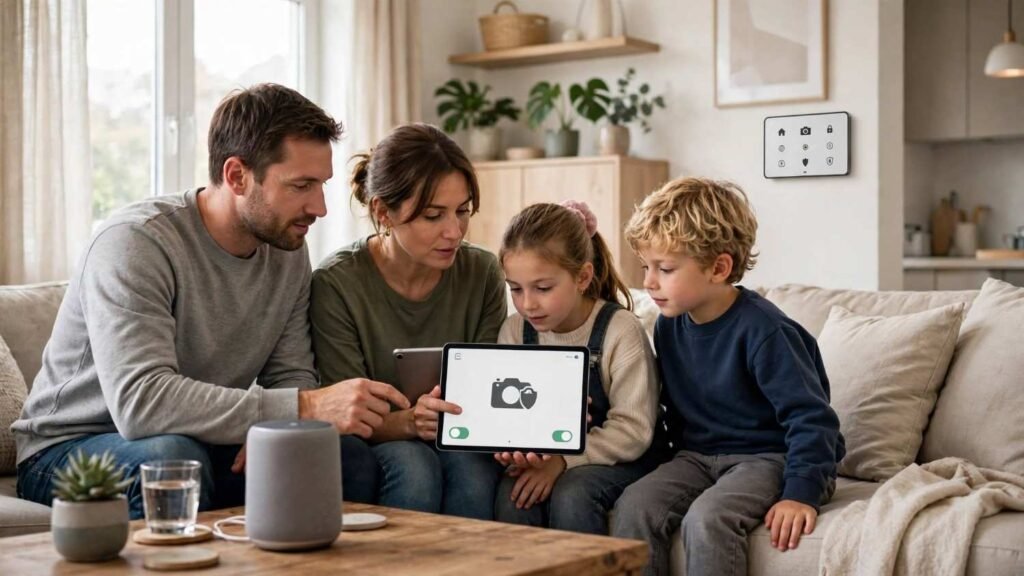
Security cameras and voice assistants deserve particular attention because they may capture sensitive household activity.
Enable login alerts, review account permissions, and restrict access to trusted family members.
For cameras, check recording storage, sharing permissions, and remote viewing settings.
For voice assistants, disable unused microphones, unnecessary voice purchasing features, and unwanted recording retention.
Consider physical privacy shutters where available.
These precautions help protect smart home cameras and reduce unnecessary collection of personal information.
7. What Should You Check Before Buying Smart Home Devices?
Device security begins before installation.
Research manufacturers’ update policies, security features, and privacy practices.
Look for products supporting encrypted connections, strong authentication, automatic updates, and clear security support periods.
I recommend avoiding unfamiliar devices that provide little information about ongoing software maintenance.
A slightly more expensive product with reliable security support may offer better long-term value.
8. How Can You Tell Whether Your Smart Home Has Been Hacked?
Common warning signs include unfamiliar login alerts, unexpected password changes, unknown connected devices, and unexplained camera or smart lock activity.
Review your router’s connected-device list and check security notifications from companion applications.
However, strange behavior doesn’t always indicate hacking. Connectivity problems and software errors can produce similar symptoms.
Investigate suspicious activity before concluding.
9. What Should You Do if a Smart Home Device Gets Hacked?
If you suspect unauthorized access, disconnect the affected device from the internet when safe.
Change associated account passwords from a trusted device, enable MFA (Multi-factor authentication), and revoke unfamiliar sessions.
Update the device, review router security, and contact the manufacturer for recovery instructions.
A factory reset may help, but it cannot guarantee that every vulnerability disappears. Replace unsupported or persistently compromised equipment when necessary.
How Can You Keep Your Smart Home Secure Every Month?
Learning how to secure smart home devices from hackers is only the beginning. Regular maintenance helps preserve those protections.
I recommend reviewing your connected-device list, checking firmware updates, and examining account activity monthly.
Remove unused applications, reconsider unnecessary permissions, and verify that important equipment still receives security support.
These simple habits help prevent smart home hacking without making everyday technology difficult to use.
Frequently Asked Questions (FAQs)
1. Can Smart Home Devices Be Hacked Through Wi-Fi?
Yes. Weak encryption, stolen credentials, and insecure network configurations can expose connected devices. Strong Wi-Fi security and updated firmware reduce these risks.
2. Is a Guest Network Safer for Smart Home Devices?
A properly isolated guest network can limit access between IoT devices and computers containing sensitive information. However, protection depends on your router’s configuration.
3. Can Hackers Access Smart Security Cameras Remotely?
Yes. Compromised accounts, exposed services, or unpatched vulnerabilities may allow unauthorized remote access. Strong authentication and timely updates improve protection.
4. What Is the Best Way to Secure Smart Home Devices?
Start with router security, unique passwords, multi-factor authentication, automatic updates, and proper network isolation. Review privacy settings and monitor unfamiliar activity regularly.
Final Thoughts
I believe smart home technology should simplify everyday life without creating unnecessary privacy risks.
Understanding how to secure smart home devices from hackers doesn’t require expensive equipment or complicated solutions. Strong router settings, separate networks, updated firmware, and responsible account management can substantially reduce your exposure.
Just as exploring ways to reduce digital fatigue while working remotely helps create a healthier relationship with technology, strengthening smart home security allows you to enjoy connected devices without unnecessary stress or constant security concerns.
Start with your Wi-Fi router, secure individual devices, and maintain a simple monthly security routine.
A truly smart home isn’t merely connected. It’s convenient, reliable, and designed with security, privacy, and everyday comfort in mind.