
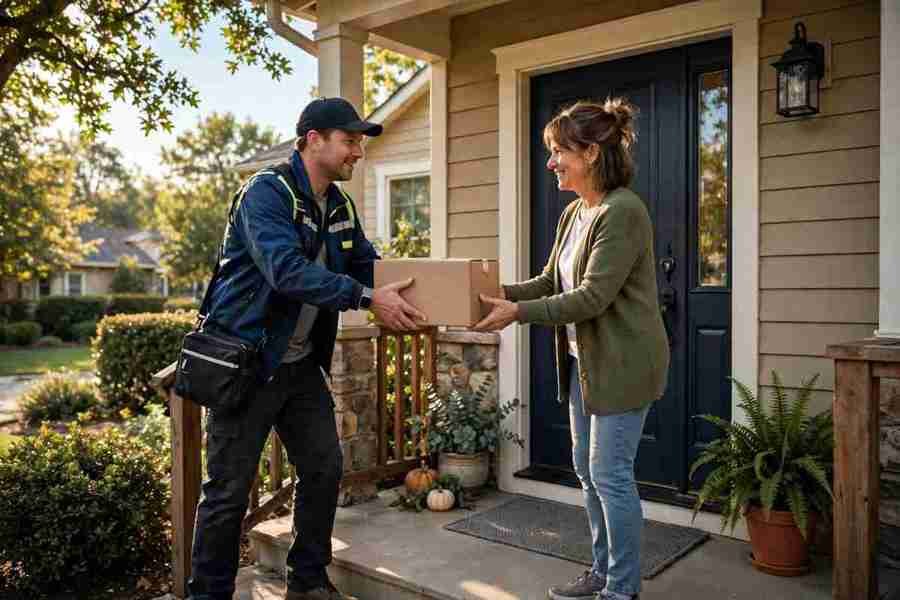
I know how quickly excitement about an online purchase can turn into frustration when tracking information stops making sense. A shipping confirmation arrives, but the carrier still says it is waiting for the package. That disconnect is why I see shipping status alerts for customers as an essential part of a dependable shopping experience.
For retailers delivering across the country, clear updates help shoppers plan around apartment access, porch deliveries, office hours, and holiday travel. The goal is straightforward: explain what happened, what happens next, and whether the customer needs to act.
What Are Shipping Status Alerts?
Shipping status alerts are messages that explain meaningful changes in a package’s journey. Businesses send them through email, text messages, or app notifications using information from their store, warehouse, and delivery carriers.
An order confirmation acknowledges a purchase. A shipment notification explains progress toward delivery. Keeping those functions distinct helps customers understand whether their order is being prepared, traveling, or ready to collect.
Every alert should provide useful information rather than repeat an unchanged tracking screen.
Which Shipping Events Should Trigger Updates?

Label Created and Carrier Acceptance
Creating a shipping label does not mean the carrier has received the package. Describe this stage as preparation rather than announcing that an order is already traveling.
Send the shipment confirmation after a verified handoff or carrier acceptance event. Include the tracking link and an estimated delivery date when available.
Out for Delivery and Delivered
An out-for-delivery message helps customers prepare for the expected arrival of orders, including those originating through resale listing feeds for marketplaces. Mention signature requirements or access instructions when relevant and supported by shipment information.
A delivery confirmation should report the recorded delivery time and location when available. Provide a clear support option if the customer cannot find the package.
Delays, Failed Attempts, and Pickup Availability
Notify customers when a delivery estimate changes or an attempt fails. Explain the known issue without guessing.
For pickup orders, identify the location, collection deadline, and any required identification. Split shipments need separate tracking details so customers know which items each package contains.
What Every Customer Alert Should Include
Start with your business name and the current delivery status. Add the order reference, relevant items, tracking link, and the next expected step.
Use estimated arrival language carefully. “Expected Thursday” communicates uncertainty more accurately than promising a guaranteed arrival that the service does not support.
Keep sensitive information limited, especially in messages visible on a locked phone screen. A recognizable sender and branded tracking destination can also help customers assess whether an update belongs to their purchase.
Make the main action obvious: track the package, arrange redelivery, collect the order, or contact support.
How to Automate Reliable Delivery Updates

Effective shipping status alerts for customers depend on connected systems and carefully chosen triggers. Start by linking your ecommerce platform, fulfillment software, carrier tracking service, and messaging provider.
Translate Carrier Events Into Clear Language
Different carriers may describe similar events differently. Map those descriptions to consistent customer-facing stages such as “with the carrier,” “out for delivery,” and “delivered.”
Keep detailed operational scans available on the tracking page. Customers rarely need a separate message for every sorting facility departure.
Prevent Duplicate and Outdated Messages
Assign responsibility for each notification across your store, shipping software, and messaging tools. Otherwise, several systems may announce the same event.
Record which alerts have already been sent for each shipment. Check event timestamps before sending, and suppress older updates that arrive after a newer milestone.
For orders containing several packages, retain package-level tracking while clearly identifying the associated items.
Build an Exception Workflow
Send unresolved problems to a responsible team. A stalled shipment might require investigation before there is enough verified information for a helpful customer message.
Set an internal follow-up deadline so cases do not disappear between systems.
Shipping Message Templates You Can Adapt
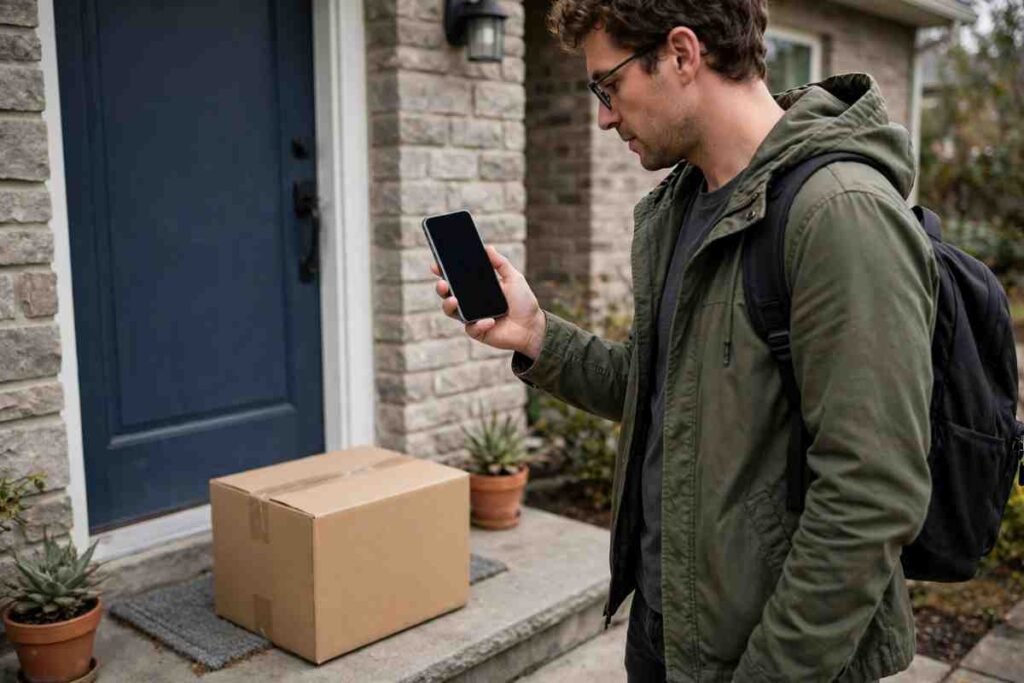
Shipment Confirmation
“Your order #4821 is with the carrier. Estimated arrival: Thursday, November 19. Track your package: [link].”
Use this message after confirmed carrier acceptance. If no estimate exists, explain that tracking will display one when available.
Delivery Delay
“Your order #4821 is taking longer than expected. A revised delivery date is not available yet. We’re checking the shipment and will update you by tomorrow afternoon: [link].”
Only promise a follow-up your team can deliver. Give customers a support route when the delay affects a time-sensitive purchase.
Failed Delivery Attempt
“The carrier could not complete delivery for order #4821 today. Check the available redelivery or pickup instructions here: [link]. Need help? Contact our support team: [link].”
Avoid assuming the customer was absent unless the carrier information confirms that explanation.
Choose Channels Without Creating Alert Fatigue
Email works well for item details, split shipments, and longer explanations. Text messages suit concise, time-sensitive updates when customers have chosen that channel. App notifications can serve shoppers who already use your app.
Give customers control over communication preferences. Keep delivery information separate from promotional offers and avoid turning every tracking event into another interruption.
Before launch, place test orders and review the experience on a phone. Check links, timing, missing delivery estimates, duplicate events, and support replies.
Measure What Helps Customers
Track delivery-related inquiries per 100 orders, notification delivery failures, tracking-link clicks, and exception resolution time. Review complaints alongside these metrics. More clicks can indicate engagement, but they can also reveal uncertainty.
Frequently Asked Questions
1. How often should shipping status alerts for customers be sent?
Send updates for meaningful milestones and actionable changes. Routine carrier scans can remain on the tracking page.
2. Should every update include a tracking link?
Include it whenever it helps customers verify progress or act.
3. What if no arrival estimate exists?
Say so clearly and explain when you will check again.
A Better Delivery Experience Starts With Clarity
I would also review the entire notification journey regularly, especially before busy shopping periods. A message that works for a single package may need adjustment when orders ship separately or delivery estimates change.
For me, the real test is whether customers understand their next step without having to ask. Start with the essential updates, test them carefully, and use customer feedback to make every message clearer and more helpful.



One thought on “Shipping Status Alerts That Keep Customers Informed”