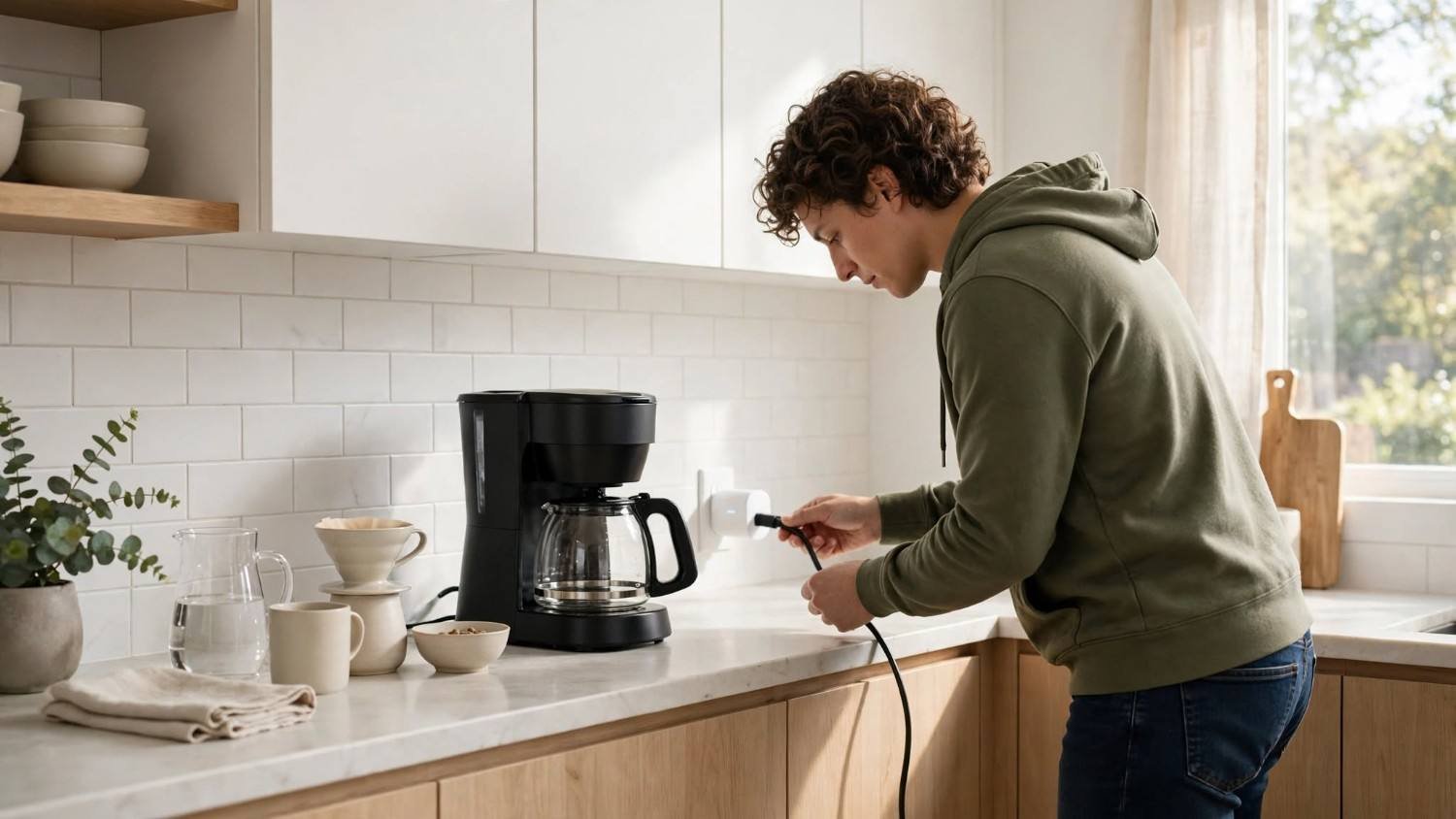
Ever wondered why your electricity bill keeps climbing even when you haven’t changed your daily routine? I’ve found that many households overlook the electricity consumed by appliances sitting idle or running longer than necessary. These hidden energy drains, often called vampire loads, can quietly add to monthly expenses.
Learning how to monitor electricity usage with smart plugs gives you a convenient way to identify these problems without expensive electrical upgrades. With the right device, you can track appliance power consumption, calculate operating costs, and make better energy-saving decisions.
Here’s how to get started and turn everyday electricity readings into meaningful savings.
How Do Smart Plugs Measure Your Electricity Usage?
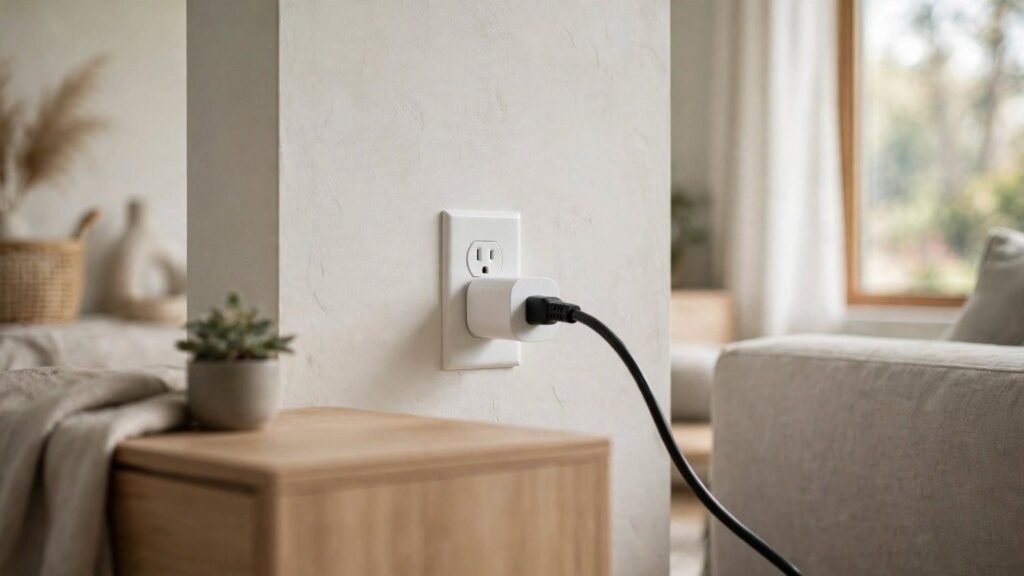
An energy-monitoring smart plug connects between your wall outlet and an electrical appliance. It measures the power flowing to that appliance and displays consumption data through a compatible smartphone application.
Unlike regular smart plugs that switch devices on and off, energy-monitoring models provide real-time wattage readings, historical electricity usage, and sometimes estimated operating costs.
For example, connecting your television to a monitoring plug lets you compare its electricity consumption while streaming movies and sitting in standby mode.
According to the U.S. Department of Energy, some appliances continue consuming electricity even when they appear switched off. Monitoring these vampire loads helps identify unnecessary energy consumption.
How Do You Choose the Right Smart Plug for Energy Monitoring?
Before purchasing a smart plug, I recommend checking its energy-monitoring capabilities, electrical rating, and compatibility with your existing smart-home ecosystem.
Check Energy Monitoring Features and Amperage Ratings
Look for devices explicitly labeled “Energy Monitoring” or “Power Monitoring.” Standard smart plugs don’t necessarily measure electricity consumption.
Many residential models carry 10-amp or 15-amp ratings. American household outlets commonly operate at 120 volts, so verify that the plug’s voltage, current rating, and supported appliance types match your needs.
Never assume a 15A or 16A rating makes a plug appropriate for space heaters, refrigerators, or window air conditioners. Follow both manufacturers’ instructions and avoid smart plugs for equipment they prohibit.
Choose a Compatible Smart Home Platform
Popular options include TP-Link Tapo, Kasa, Smart Life-compatible devices, and certain Home Assistant integrations.
Choose a model that supports your preferred smartphone, connectivity method, and automation platform. Check whether it offers historical energy reports, cost calculations, and scheduling features.
How to Set Up a Smart Plug and Connect It to Wi-Fi
Understanding how to monitor electricity usage with smart plugs becomes easier once your device is properly configured.
Step 1: Install the Plug and Download Its Application
Insert the monitoring plug directly into a compatible wall outlet. Download the manufacturer’s official application, such as Tapo or Smart Life, and create an account if required.
Step 2: Activate Pairing Mode
Follow the manufacturer’s instructions to activate pairing mode. Many models use a flashing indicator light after you hold down the power button.
Complete the connection through Wi-Fi, Bluetooth, or another supported protocol. Many Wi-Fi models require a 2.4 GHz network.
Assign a recognizable name, such as “Bedroom Television,” and select the appropriate room.
Step 3: Connect Your Appliance and View Energy Data
Plug your appliance into the smart plug, turn it on, and open its energy-monitoring dashboard.
You should now be able to review available power measurements and track consumption over time.
How Do You Understand Smart Plug Energy Monitoring Readings?
Most energy-monitoring dashboards display several measurements that help explain household electricity consumption.
What Do Watts, kWh, and Runtime Mean?
Watts represent instantaneous electrical power. A television displaying 100 watts is currently drawing power at that rate.
Kilowatt-hours measure accumulated electricity consumption. An appliance consuming 1,000 watts continuously for one hour uses 1 kWh.
Runtime indicates how long the connected device or plug has operated, depending on the manufacturer’s definition. Some advanced models also report electrical current in amps.
Historical consumption charts help you compare daily, weekly, or monthly usage and identify unusual patterns.
How Can You Calculate Appliance Electricity Costs?
I recommend checking the electricity rate on your utility bill before estimating operating expenses.
Use this formula:
Electricity cost = kWh consumed × Electricity rate per kWh
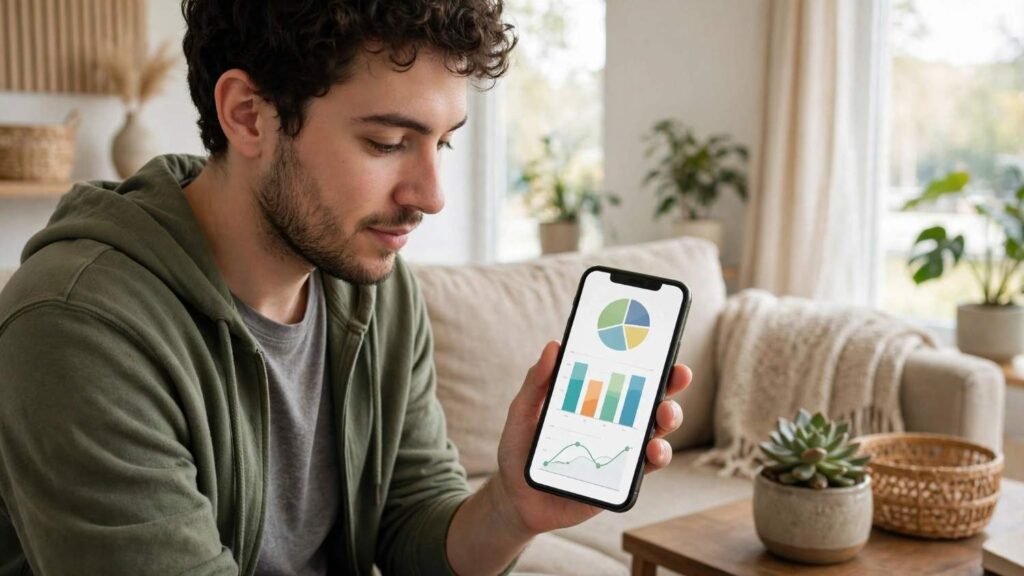
Suppose your desktop computer consumes 0.8 kWh daily and your electricity rate is $0.18 per kWh.
Its estimated daily electricity cost is $0.144, or approximately $4.32 over 30 days.
Some applications, including compatible TP-Link Tapo models, offer built-in electricity bill calculators. You can enter a fixed rate or configure supported variable-rate periods.
These calculations provide estimates rather than exact utility bills because taxes, fixed charges, and rate structures vary between providers.
Which Household Appliances Should You Monitor First?
I suggest starting with frequently used electronics or devices that remain plugged in throughout the day.
Televisions, gaming consoles, desktop computers, entertainment systems, and compatible countertop appliances make useful starting points.
For appliances with changing power demands, monitor consumption over several representative days instead of relying on a single reading.
A smart plug measures only connected equipment, so it cannot independently track an entire home’s electricity consumption.
How Can Smart Plug Schedules Reduce Electricity Waste?
Energy monitoring becomes particularly valuable when you act on the information.
Automate Devices That Consume Standby Power
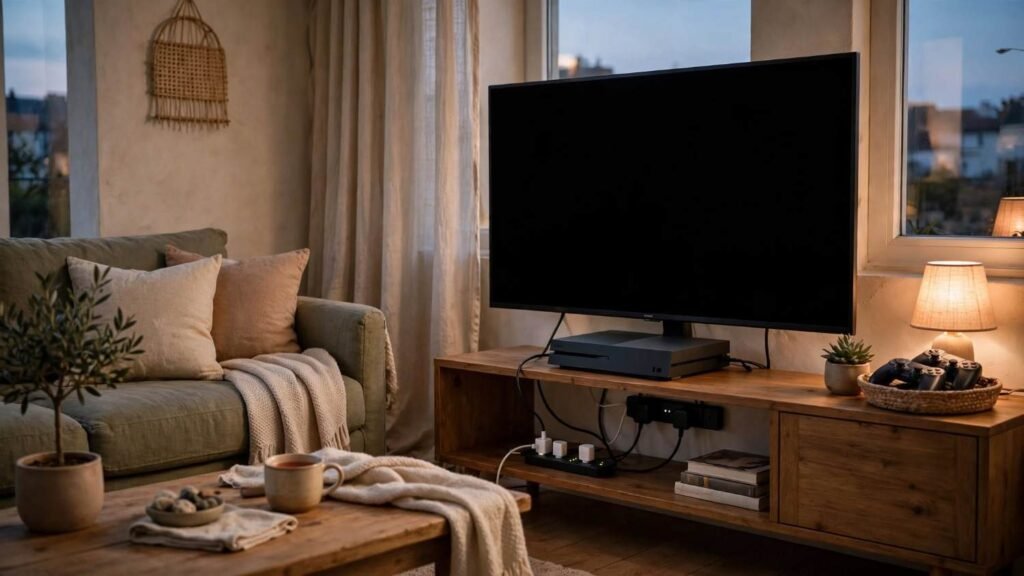
If your gaming console or entertainment system consumes unnecessary standby electricity overnight, consider scheduling the smart plug to disconnect power between 11 PM and 6 AM.
You can also use remote switching to turn off compatible devices when nobody is home.
However, avoid interrupting appliances requiring continuous operation, including refrigerators, medical equipment, and essential networking systems.
Set Power Threshold Alerts for Unusual Consumption
Some advanced smart plugs offer configurable power thresholds.
For example, supported Tapo models can automatically disconnect a device when power consumption exceeds a configured limit for a specified period and send a smartphone notification.
These features provide additional monitoring convenience but don’t replace appropriate electrical protection or safe appliance operation.
Why Is My Smart Plug Not Showing Electricity Usage?
If electricity readings disappear, first confirm that your model supports energy monitoring.
Check its Wi-Fi connection, firmware version, and smartphone application updates. Some dashboards display monitoring information under separate Energy or Statistics sections.
Very low electricity consumption may also fall below a device’s measurement sensitivity.
For persistent problems, consult the manufacturer’s troubleshooting instructions before resetting the plug.
Frequently Asked Questions (FAQs)
1. Can Smart Plugs Measure Electricity Usage Without Wi-Fi?
Some models continue measuring electricity locally without internet access. However, remote monitoring, historical reports, and cloud-based features may require connectivity.
2. How Accurate Are Energy-Monitoring Smart Plugs?
Accuracy depends on the model, electrical load, and measurement conditions. Quality devices can provide useful household estimates, but they shouldn’t replace utility-grade meters.
3. Do Smart Plugs Consume Electricity When Appliances Are Off?
Yes. Smart plugs use a small amount of electricity to power their electronics and stay connected. Consider their own consumption when evaluating potential savings.
4. Can Smart Plugs Lower Monthly Electricity Bills?
Smart plugs can help save money by identifying unnecessary consumption and automating devices. Actual savings depend on appliance behavior, electricity rates, and the changes you make.
Make Smarter Decisions About Home Electricity Usage
I believe the easiest way to improve household energy efficiency is to understand where electricity goes before investing in expensive upgrades. After all, making your home more energy efficient starts with identifying unnecessary power consumption and making smarter everyday choices.
Mastering how to monitor electricity usage with smart plugs helps you recognize standby power consumption, compare appliance operating costs, and develop more efficient routines.
Start with one appliance, collect several days of energy data, and identify a practical change. Over time, these small, informed decisions can help you reduce unnecessary electricity consumption, lower utility expenses, and better manage your household budget.