

Running a busy sports facility shouldn’t involve endless phone calls, complicated spreadsheets, or chasing customers for payments. Whether you manage basketball courts in Texas, soccer fields in California, or pickleball facilities in Florida, manual reservations can quickly become overwhelming.
I’ve found that sports facility booking automation offers a smarter way to manage these challenges. By replacing paper schedules and manual transactions with a 24/7 digital booking system, facility owners can simplify reservations, improve customer satisfaction, and reduce administrative work.
The key is understanding which automation features your facility needs and how to implement them effectively.
What Is Sports Facility Booking Automation and How Does It Work?
Sports booking automation uses digital software to manage court reservations, facility schedules, payments, and customer communications without constant staff involvement.
An online sports facility booking system allows customers to view available courts, select convenient time slots, and complete reservations through a website or mobile application.
Once someone books a facility, the system updates its availability automatically.
For example, when a customer reserves a basketball court from 6 p.m. to 7 p.m., the software removes that slot from the public booking calendar.
According to Mindbody’s sports facility scheduling guide, modern scheduling platforms can connect reservations, payments, staff calendars, and facility availability through coordinated workflows.
Mindbody
Why Should US Sports Facilities Automate Their Booking Process?
Manual scheduling might work for a small sports center, but it becomes increasingly inefficient as reservations grow.
Double bookings, delayed confirmations, forgotten payments, and unexpected cancellations can disrupt operations.
Automated sports facility booking helps operators reduce these problems by organizing reservations in one centralized system.
Customers can reserve facilities outside normal office hours, while employees focus on maintenance, customer service, and event coordination.
Municipal recreation centers, school athletic departments, and private sports complexes can all benefit from a more organized booking process.
What Features Should an Automated Sports Booking System Include?
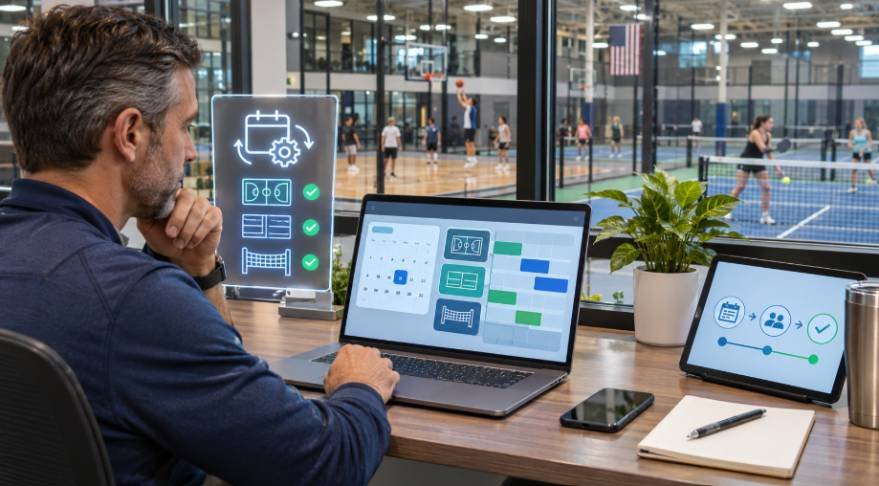
How Does Real-Time Scheduling Prevent Double Bookings?
Real-time court availability allows customers to see which fields, courts, and gyms are available before requesting a reservation.
Sports court scheduling software updates the calendar whenever a booking is confirmed or canceled.
A properly configured system also checks competing requests before finalizing reservations, preventing multiple customers from securing the same slot.
Can Customers Book Sports Facilities Online 24/7?
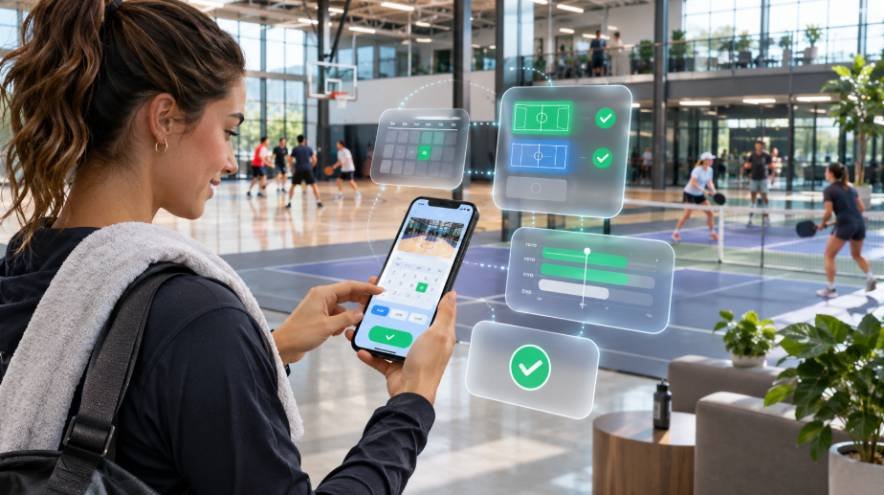
Yes. Mobile-friendly booking portals allow members and guests to reserve facilities anytime.
Customers can review schedules, select available spaces, and pay online without contacting staff.
This flexibility is particularly valuable for working professionals and parents coordinating youth sports activities.
How Do Automated Payments and Invoicing Work?
Automated sports booking payments connect reservations with secure payment processing.
Depending on the platform, facilities can accept credit cards, supported digital wallets, deposits, and membership credits.
Facilities managing recurring memberships and multiple participant accounts can also streamline connected processes through sports membership software integration, helping coordinate membership records, payments, and other administrative workflows
The system may also generate invoices, process eligible refunds, and reconcile transactions against reservation records.
Bookteq’s guide to automating sports bookings highlights how digital booking management can streamline administrative processes.
Bookteq
Can Dynamic Pricing Increase Facility Revenue?
Dynamic pricing allows operators to configure different rental rates according to demand, booking duration, or customer category.
For example, a pickleball facility might charge higher rates during busy weekend evenings while offering discounts for weekday mornings.
Some systems also support holiday pricing, seasonal promotions, and reduced rates for multi-hour reservations.
How Do Automated Reminders and Recurring Bookings Help?
Email and SMS notifications send customers reservation confirmations, payment receipts, cancellation updates, and upcoming-session reminders.
These messages can reduce forgotten appointments and improve communication.
Recurring booking functionality also simplifies seasonal soccer leagues, weekly basketball practices, and long-term school gym rentals.
Instead of entering each reservation individually, administrators can allocate recurring time blocks in advance.
Facilities hosting tournaments, competitive matches, or spectator events can also streamline event sales and registration through sports ticketing system integration, connecting ticket purchases with their broader event management workflows.
Can AI Chatbots Handle Sports Facility Booking Questions?
AI chatbots can answer common questions about operating hours, rental prices, membership options, and cancellation policies.
WhatsApp-based messaging automation can also direct customers toward available booking options.
However, completing reservations or processing payments requires a secure integration with the facility’s booking platform.
How Can You Automate Sports Facility Reservations Step by Step?
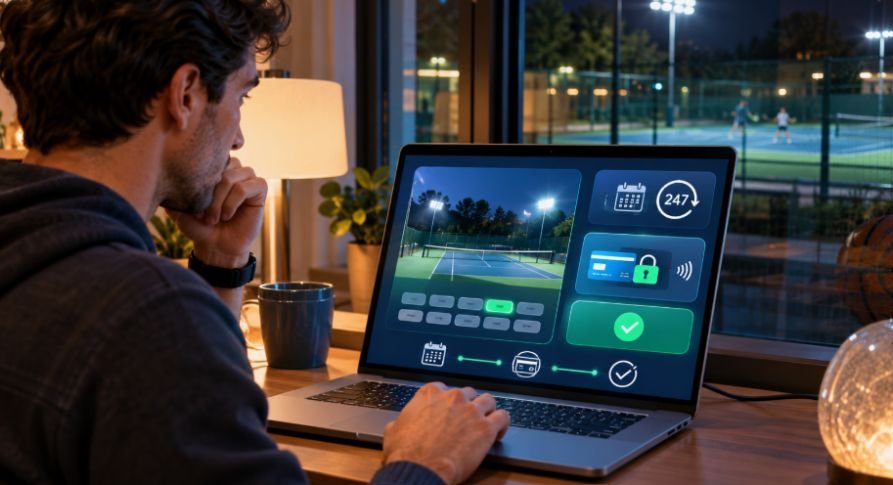
Implementing sports facility booking automation starts with understanding your existing processes.
Step 1: Identify Your Booking Problems
Review scheduling conflicts, customer complaints, administrative workload, and payment delays.
Determine which tasks consume the most employee time.
Facilities that also manage leagues, tournaments, and team registrations may benefit from broader sports league management automation to simplify administrative workflows beyond individual court reservations.
Step 2: Choose the Right Booking Software
Compare platforms based on real-time scheduling, mobile accessibility, payment integrations, memberships, automated notifications, and reporting capabilities.
Step 3: Configure Courts, Pricing, and Booking Rules
Enter facility locations, operating hours, rental rates, seasonal schedules, maintenance blocks, and cancellation policies.
Establish separate reservation rules for members, guests, and organized teams where necessary.
Step 4: Connect Payments and Customer Notifications
Integrate supported payment methods and configure automatic confirmation messages.
Test deposits, invoices, cancellations, refunds, and reminder delivery.
Step 5: Test and Launch Your System
Test simultaneous reservations, failed payments, recurring bookings, and mobile checkout before launching.
Train employees to resolve booking conflicts and handle exceptions.
Which Sports Facility Booking Software Should You Consider?
Several platforms offer different approaches to sports facility management.
| Software | Main focus |
| CourtReserve | Court scheduling, memberships, lessons, and payments |
| Pitchbooking | Sports facility reservations and multi-facility bookings |
| Bookteq | Facility booking management for sports venues and public-sector operators |
| Mindbody | Booking, payments, memberships, and business operations |
CourtReserve documents integrated court reservations and payment capabilities, while Mindbody supports coordinated scheduling and client management. Specific features and pricing depend on the selected platform and plan.
CourtReserve Help Center+3
Should You Build a Custom Sports Booking System?
Organizations with specialized requirements can explore Microsoft Power Apps and Power Automate for low-code approval workflows.
Developers can also build custom applications using technologies such as Node.js and MongoDB.
For example, a school district might require staff authorization before confirming gym rentals. Microsoft documents how Power Automate can support structured approval processes.
Microsoft Learn
Custom development offers flexibility but requires ongoing maintenance, security testing, and technical support.
How Much Does Sports Facility Booking Software Cost?
Pricing varies according to facility size, software features, transaction volume, and subscription terms.
Some platforms charge monthly fees, while others offer transaction-based pricing or customized enterprise plans.
I recommend comparing subscription charges, payment processing fees, setup costs, SMS expenses, and integration requirements before making a decision.
The cheapest platform isn’t necessarily the most economical if it creates extra administrative work.
How Can Automation Improve Revenue and Facility Performance?
An automated sports venue reservation system can make unused booking slots more visible and simplify repeat reservations.
Facility managers can also use waitlists, promotional pricing, and occupancy reports to improve scheduling decisions.
I recommend monitoring facility utilization, cancellation rates, booking conversion, and administrative time saved.
For example, a venue offering 200 available court-hours weekly and booking 150 achieves a 75% utilization rate.
These measurements help operators identify whether automation is improving business performance.
What Common Booking Automation Problems Should You Avoid?
Payment failures, internet outages, incorrect pricing rules, and incomplete scheduling integrations can disrupt reservations.
Facilities should establish procedures for refunds, staff overrides, transaction verification, and service interruptions.
I also recommend protecting customer information through restricted employee access and secure payment integrations.
Frequently Asked Questions
1. Can Sports Facilities Automate Bookings and Payments Together?
Yes. Many booking systems combine reservations, online payments, invoices, customer notifications, and calendar updates within one platform.
2. Can Automated Sports Booking Software Manage Multiple Locations?
Yes. Certain platforms support centralized scheduling across multiple courts, fields, and facilities while maintaining location-specific operating rules.
3. Does Sports Facility Booking Software Support Membership Discounts?
Many platforms offer membership pricing, reservation privileges, recurring payments, and promotional discounts. Available options vary by provider.
4. Is Automated Sports Facility Booking Worth the Investment?
It can be worthwhile for facilities experiencing frequent scheduling conflicts, manual payment delays, or heavy administrative workloads. Actual returns depend on operating costs and customer demand.
Final Thoughts
Managing reservations shouldn’t take valuable time away from running a successful sports facility.
I believe sports facility booking automation provides a practical foundation for improving scheduling accuracy, simplifying payments, and delivering a better customer experience.
Start with reliable online scheduling and payment processing. As your facility grows, introduce dynamic pricing, recurring reservations, automated reminders, and customer-support integrations.
The right system can help your sports facility operate more efficiently while making it easier for customers to book and enjoy the spaces you provide.



2 thoughts on “Sports Facility Booking Automation: How to Save Time and Increase Revenue”